
Quick summary
- Excel is fine while one person can hold the whole school in their head — the breakpoint is the first "what does she owe?" you can't answer instantly.
- A spreadsheet records what happened; it never reminds, notifies, or answers a parent on its own.
- Migrating is an afternoon of copying names — not the mountain it looks like.
Let's be honest first: Excel is not a mistake. Almost every dance school starts there, and for a small school with one owner doing everything, a tidy spreadsheet genuinely works.
The question is not whether Excel is bad. It is when it stops being enough — and the threshold is more specific than "when you grow".
A spreadsheet records the past. It never reminds anyone, never notifies a parent, and never answers a question on its own. That gap is the whole comparison.
When Excel is genuinely enough
Under roughly 30 students, one location, one person handling money, and parents you see face to face every week — keep the spreadsheet. Adding software here solves a problem you don't have yet.
Breakpoint 1: "What does she owe?" stops being instant
Tuition status is a per-student, per-month question. In Excel that becomes a grid you update by hand, and one missed cell means chasing a family that already paid — the most expensive admin mistake there is.
Breakpoint 2: reminders are you, at 11pm
The spreadsheet knows who is late; it just won't tell anyone. Every reminder is you, typing the same message into Viber, one parent at a time, after work.
Breakpoint 3: parents can't see anything
Schedules, absences, what is due — every question becomes a message to you, because the only copy of the truth lives in a file on your laptop.
Breakpoint 4: a second pair of hands
The day a teacher or a secretary needs access, the single file becomes copies of copies, and nobody is sure which one is current.
Switching is smaller than it looks
Moving to software is an afternoon: students, classes, and this month's tuition status. You don't migrate five years of history — you start the next month clean and keep the old file as archive.
How a proper tuition workflow looks: tuition collections and payment reminders
See the alternative in practice: dance school software
Related resources
- Dance school management software page - Commercial overview for tuition, attendance, and parent communication.
- How it works - Practical workflow for studio operations.
- Dance blog - More owner and parent-focused articles.
What to do next
If you want a dance school that feels organized for parents from the first interaction, keep the teaching warm and the operations clear.
Related reading

What Ballet Really Teaches Kids (Besides Pointing Their Toes)
A practical, funny look at how ballet helps kids build coordination, movement, focus, structure, and confidence.

How to Choose the Right Dance School for Your Child (Without Losing Your Mind)
A practical, opinionated guide to what actually matters when picking a dance school — and what you can safely ignore.
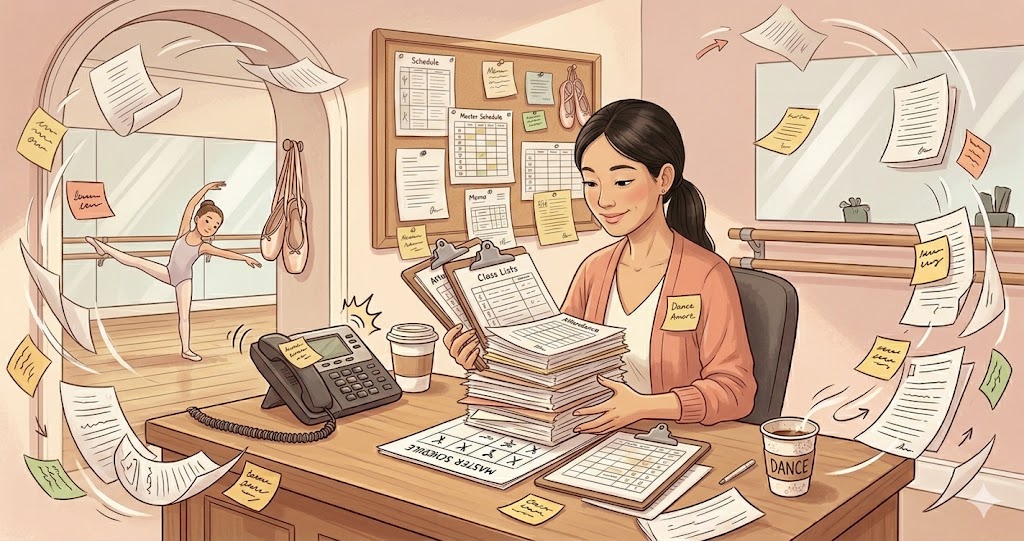
How to Organize Dance School Classes, Attendance, and Parent Communication
A practical guide for dance school owners who want cleaner class organization, clearer attendance tracking, and less chaos in parent communication.

How to Handle Trial Classes and New Enrollments in a Dance School
A practical guide for dance school owners who want cleaner trial-class follow-up, fewer missed leads, and a smoother enrollment flow.
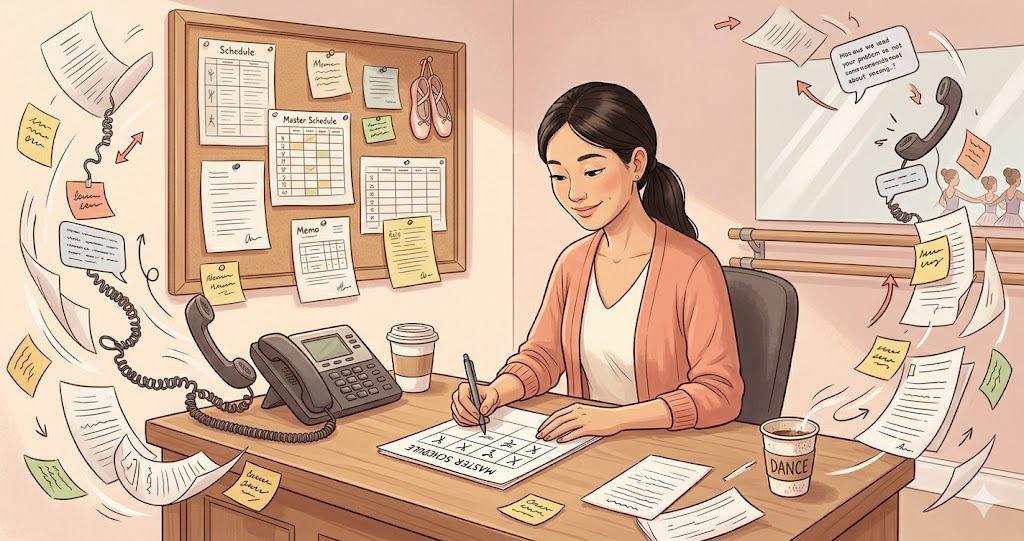
How to Reduce Parent Confusion Around Schedule Changes in a Dance School
A practical guide for dance school owners who want fewer missed messages, fewer timetable mistakes, and clearer communication when classes change.

What Software a Dance Academy or Studio Actually Needs
A practical guide for owners comparing tools for a dance academy or studio and trying to avoid a messy mix of spreadsheets, chats, and admin apps.

The Power of Ballet: What the Joburg Ballet School Story Shows
From apartheid exclusion to access in Soweto, Alexandra, and Braamfontein, this story shows how ballet can become a language of dignity, discipline, and opportunity.
Dance School Tuition Collections and Payment Reminders: A Practical Software Workflow
A practical guide for dance school owners who want fewer late payments, clearer tuition tracking, and calmer parent conversations around billing.
Dance School Attendance and Parent Communication: A Workflow That Actually Works
A practical workflow for studio owners who want attendance, absences, and parent updates to stay accurate without constant back-and-forth messages.

How to Increase Enrollment at Your Dance School (Without Paying for Ads)
A practical enrollment playbook for dance school owners: referral mechanics, a trial-class funnel that converts, the September window, and removing friction at sign-up.
Ballet Academy Software: What Actually Matters When You Choose
Ballet academies are not generic gyms: levels and exams, recital seasons, costume fees, and multi-class weeks. Here is what your software must model — and what you can ignore.